

See a recipe you like? Save it. Cook it.
- Find a recipeDiscover something delicious on Instagram, TikTok, Pinterest or a recipe website.
- Share it to PanwichTap Share and choose Panwich. Nothing to copy or paste once your phone is set up.
- Your recipe is readyThe ingredients, the cooking steps and the nutrition, in one place and saved for later.
Prefer to paste a link? You can do that too.
Free while Panwich is in its early days.
 instagram.com/reel/…
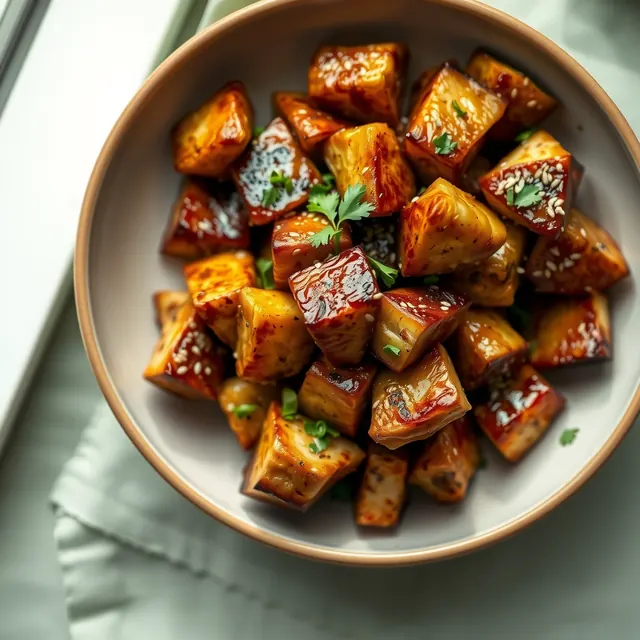
 PanwichMessageCopy linkGarlic Butter Chicken Bites
- 600 gchicken breastcubed
- 2 tbspbutter
- 5garlic cloves
- 1 tbsphoney
- 2 tbspsoy sauce
- 1 tsppaprika
Your favorite recipes, all in one place.
Panwich analyzes the shared link and writes the recipe out properly, so you don't have to hunt through saved posts for the ingredients or the cooking steps.
Whatever the post left out, it fills in: servings, prep and cook time, and nutrition. It keeps the creator's own figures when they posted them. When it has to work them out, it tells you how much of the recipe the number covers.
- iPhoneSet up the Panwich Shortcut once. After that, Share saves the recipe and a card tells you its name. How to set it up
- AndroidInstall Panwich and it is in your share sheet. A shared post opens with the recipe read, ready to save.
- ComputerPaste the link, or choose a screenshot of the recipe.
Panwich reads what is written. A recipe that is only spoken in the video is one it cannot read.
POV: you finally stopped ordering takeout 😮💨🔥 SAVE this for later!!
GARLIC BUTTER CHICKEN BITES 🧄🧈 (2 servings)
🍗 600g chicken breast, cubed 🧈 2 tbsp butter 🧄 5 garlic cloves 🍯 1 tbsp honey 🥢 2 tbsp soy sauce 🌶️ 1 tsp paprika
sear 6 min, add butter + garlic, glaze 2 more ✨
487 cal | 52P 14C 21F
- 600 gchicken breastcubed
- 2 tbspbutter
- 5garlic cloves
- 1 tbsphoney
- 2 tbspsoy sauce
- 1 tsppaprika
As published with the recipe.
From saved recipes to tonight's dinner.
Your saved recipes shouldn't become another endless collection you'll never use. Sort them by what matters tonight: most protein, leanest or quickest.
Not sure what to make? Ask what's for dinner and Panwich picks something you have not cooked lately.
18 minGarlic Butter Chicken Bites52 g protein
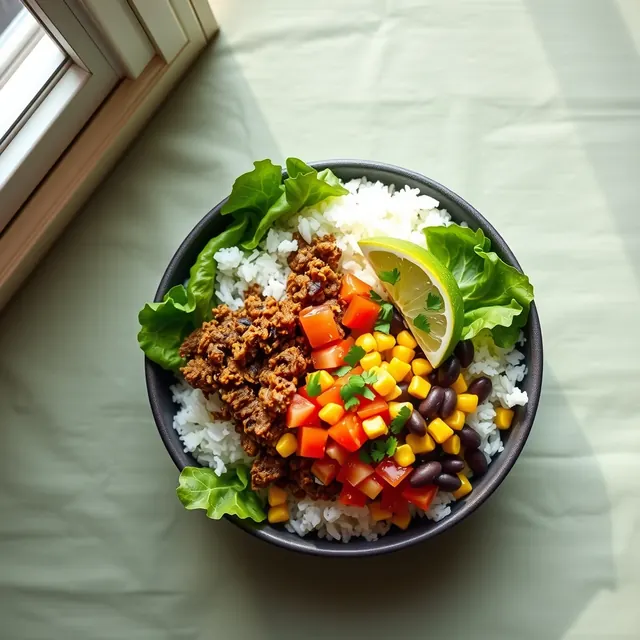 30 minBeef Burrito Bowl
47 g protein
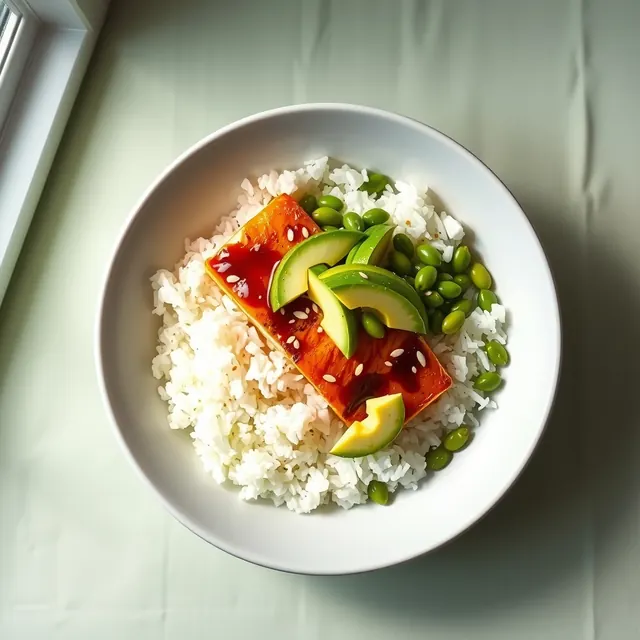 25 minHoney Soy Salmon Bowl
41 g protein
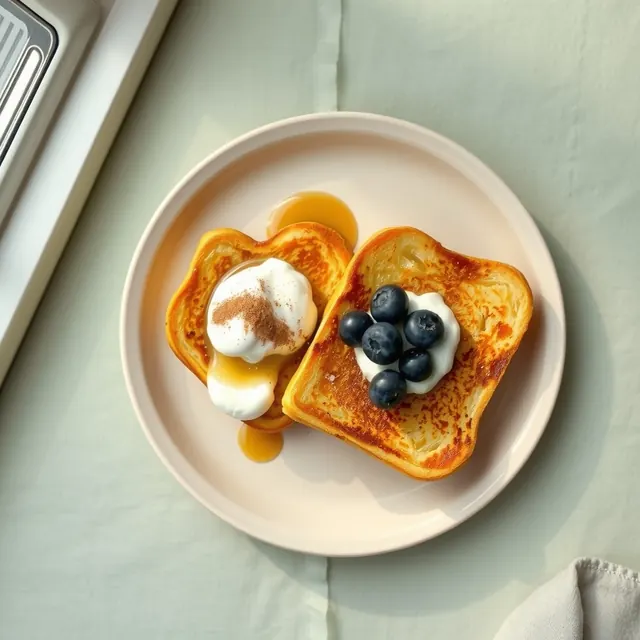 15 minProtein French Toast
38 g protein
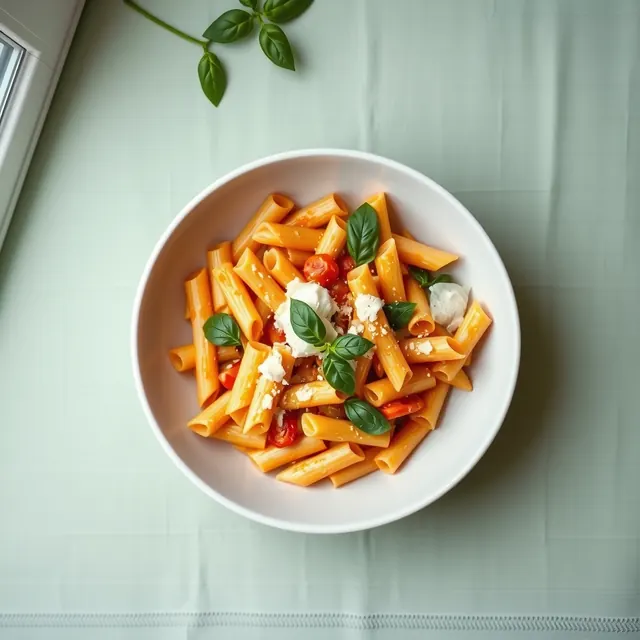 25 minCreamy Tomato Rigatoni
28 g protein
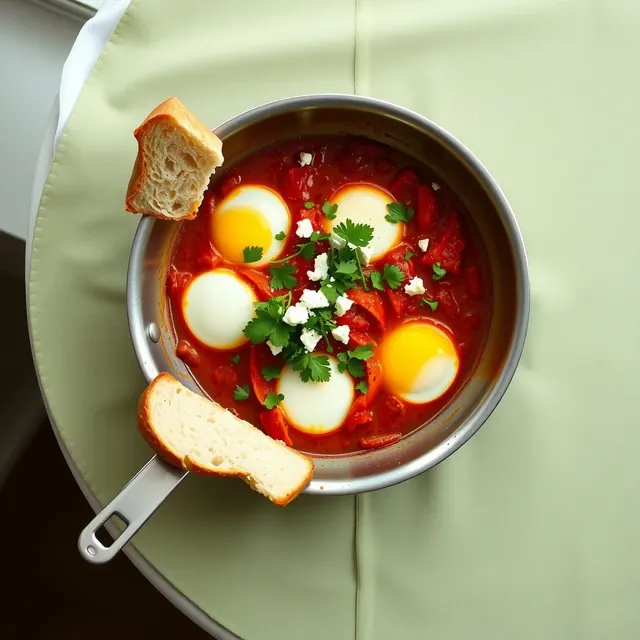 30 minShakshuka
24 g protein
Everything you need, in one shopping list.
Plan your week, or just choose the recipes you want to make, and Panwich combines their ingredients into one shopping list. Duplicate ingredients are added together: when two bowls both need rice and avocado, each comes out as one line.
Tick off items as you shop, and keep your list handy even when you're offline.
Garlic Butter Chicken Bites−2+Beef Burrito Bowl−4+Honey Soy Salmon Bowl−2+- 600 gchicken breast
- 2avocadosFrom 2 recipes
- 500 griceFrom 2 recipes
- 2salmon fillets
Follow the recipe, one step at a time.
Open a saved recipe and follow the cooking instructions on your phone. The current step, the ingredients it needs and its timers stay in front of you, with no scrolling back and forth through a long recipe.
Panwich keeps the screen awake while you're cooking, so you can focus on the meal.
Step 2 of 4
Sear the chicken for 6 minutes, turning once, until golden.
- 600 g chicken breast
Try it: tap the timer to start it.
Know what dinner costs before you shop.
In Bulgaria, Panwich prices your recipes at eBag, so you can see what a recipe costs, and what it costs per serving, before you shop.
It shows which ingredients are on offer this week and, when you are ready to order, takes you through the basket one product at a time.
Panwich is not affiliated with eBag. Prices and availability may change.
1 ingredient is on offer at eBag: up to €1.20 off.
9 of 9 ingredients priced.
Stop losing recipes in your saved videos.
The next time you find something you want to cook, tap Share and send it to Panwich. Your recipe will be waiting when you're ready to make it.
Start saving recipesCreate your account in about a minute. Free while Panwich is in its early days.