

See a recipe you like? Save it. Cook it.
- Find a recipeOn Instagram, TikTok, YouTube, Pinterest or a recipe site.
- Share it to PanwichTap Share and pick Panwich. Once your phone is set up, there is nothing to copy.
- Your recipe is readyIngredients, steps and nutrition in one place.
 PanwichMessageCopy linkIG
- chicken breastcubed600 g
- butter2 tbsp
- garlic cloves5
- honey1 tbsp
- soy sauce2 tbsp
- paprika1 tsp
Save recipes from Instagram, TikTok, YouTube, Pinterest, Recipe sites
The recipes you save from reels and sites, ready to cook.
- Ingredients and steps, tidied into one recipe.
- Panwich fills in servings, times and nutrition when the post leaves them out, and marks which figures are estimates.
- iOSSet up the Shortcut once, then share to Panwich. How to set it up
- AndroidInstall Panwich and share to it. The recipe opens, ready to save.
- ComputerPaste a link or upload a screenshot.
Panwich reads the post's text. If the recipe is only spoken in the video, add it yourself.
POV: you finally stopped ordering takeout 😮💨🔥 SAVE this for later!!
GARLIC BUTTER CHICKEN BITES 🧄🧈 (2 servings)
🍗 600g chicken breast, cubed 🧈 2 tbsp butter 🧄 5 garlic cloves 🍯 1 tbsp honey 🥢 2 tbsp soy sauce 🌶️ 1 tsp paprika
sear 6 min, add butter + garlic, glaze 2 more ✨
487 cal | 52P 14C 21F
- chicken breastcubed600 g
- butter2 tbsp
- garlic cloves5
- honey1 tbsp
- soy sauce2 tbsp
- paprika1 tsp
- Protein52g
- Carbs14g
- Fat21g
As stated in the original recipe.
From saved recipes to tonight's dinner.
Sort by most protein, leanest or quickest. Or ask Panwich for something you haven't made in a while.
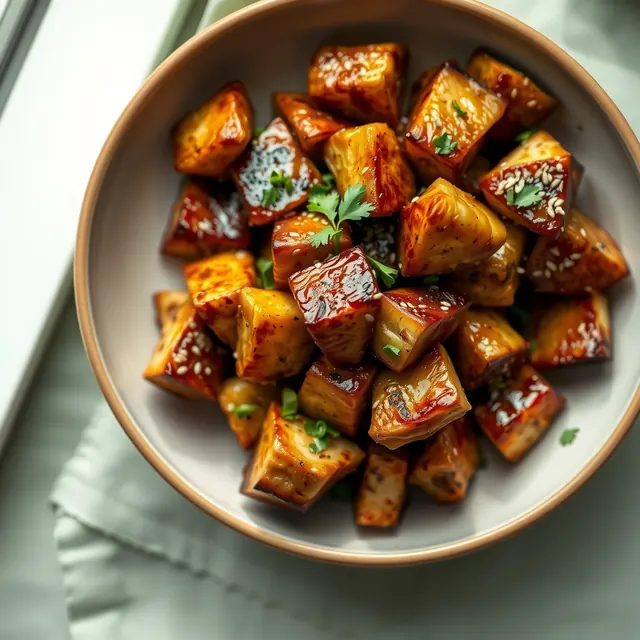
18 minGarlic Butter Chicken Bites52 g protein
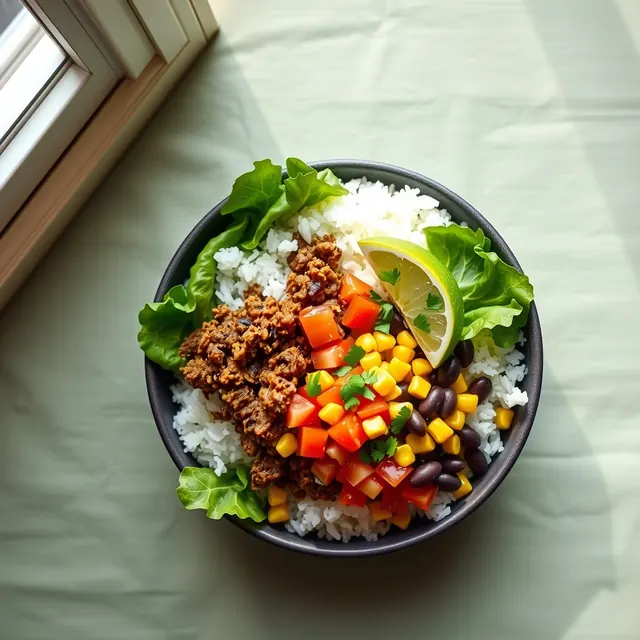 30 minBeef Burrito Bowl
47 g protein
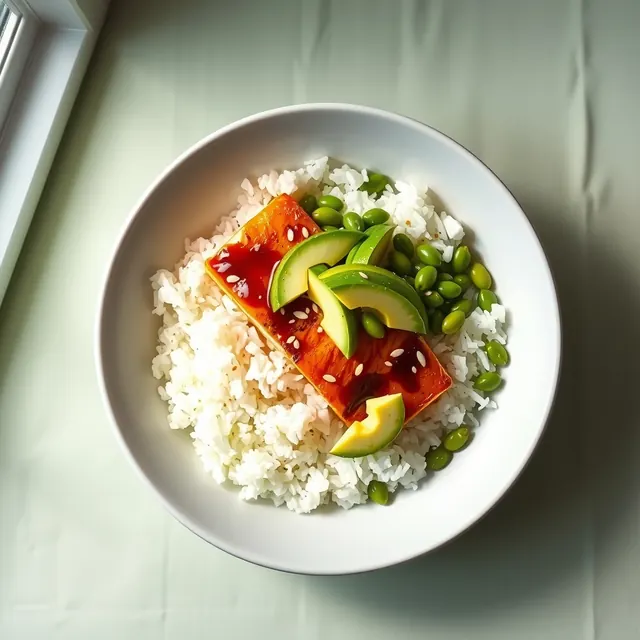 25 minHoney Soy Salmon Bowl
41 g protein
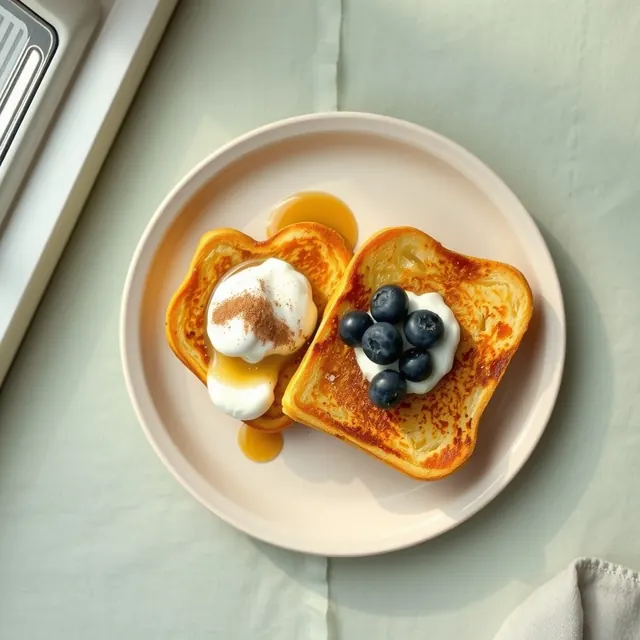 15 minProtein French Toast
38 g protein
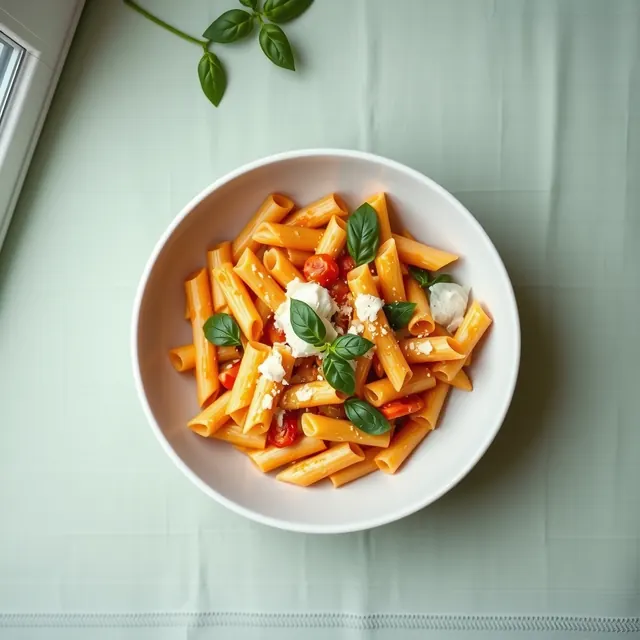 25 minCreamy Tomato Rigatoni
28 g protein
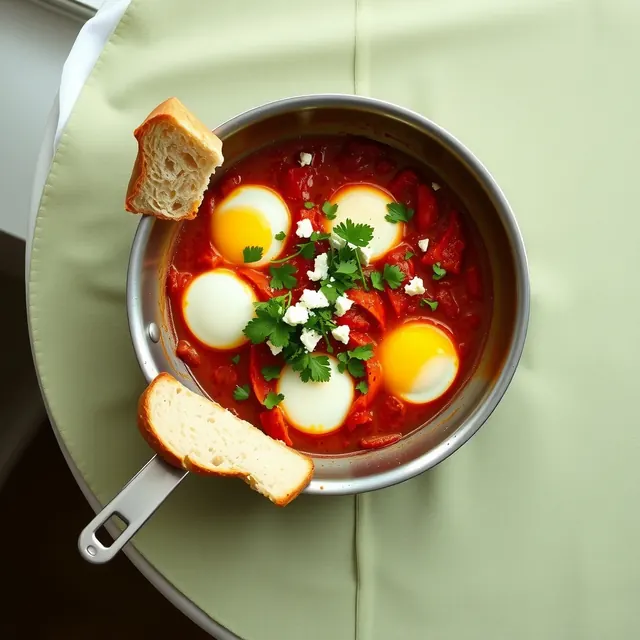 30 minShakshuka
24 g protein
Everything you need, in one shopping list.
Plan the week and get one list. Rice in two recipes becomes one line with the total.
Tick things off as you shop, even with no signal.
- TodayGarlic Butter Chicken Bites−2+
- Beef Burrito Bowl−4+Honey Soy Salmon Bowl−2+
- avocados2
- chicken breast600 g
- salmon fillets2
- rice500 g
Cook step by step.
One step at a time, with its ingredients and its timer. Your screen stays on.
Step 2 of 4
Sear the chicken for 6 minutes, turning once, until golden.
- 600 g chicken breast
Tap the timer to start it.
See what dinner will cost before you shop.
Panwich prices your recipe at eBag, in total and per serving, and shows this week's offers. When you order, it walks you through your basket.
Panwich is not affiliated with eBag. Prices and availability are set by eBag and may change.
1 ingredient is on offer at eBag: up to €1.20 off.
9 of 9 ingredients priced.
Stop losing recipes in your saved videos.
Next time you find something to cook, share it to Panwich. It waits there until you are ready.
Start saving recipesCreate your account in about a minute.